We're about to change the way we organise new client intake calls in our clinic. Not because they're particularly difficult calls to organise, they just tend to take a bit of back and forward to get arranged which slows things down just enough to become annoying.
You send a few times, client is working. That afternoon doesn't work. Clinician checks their diary. Another email goes back. Something changes. Eventually everyone finds 20 minutes they can agree on.
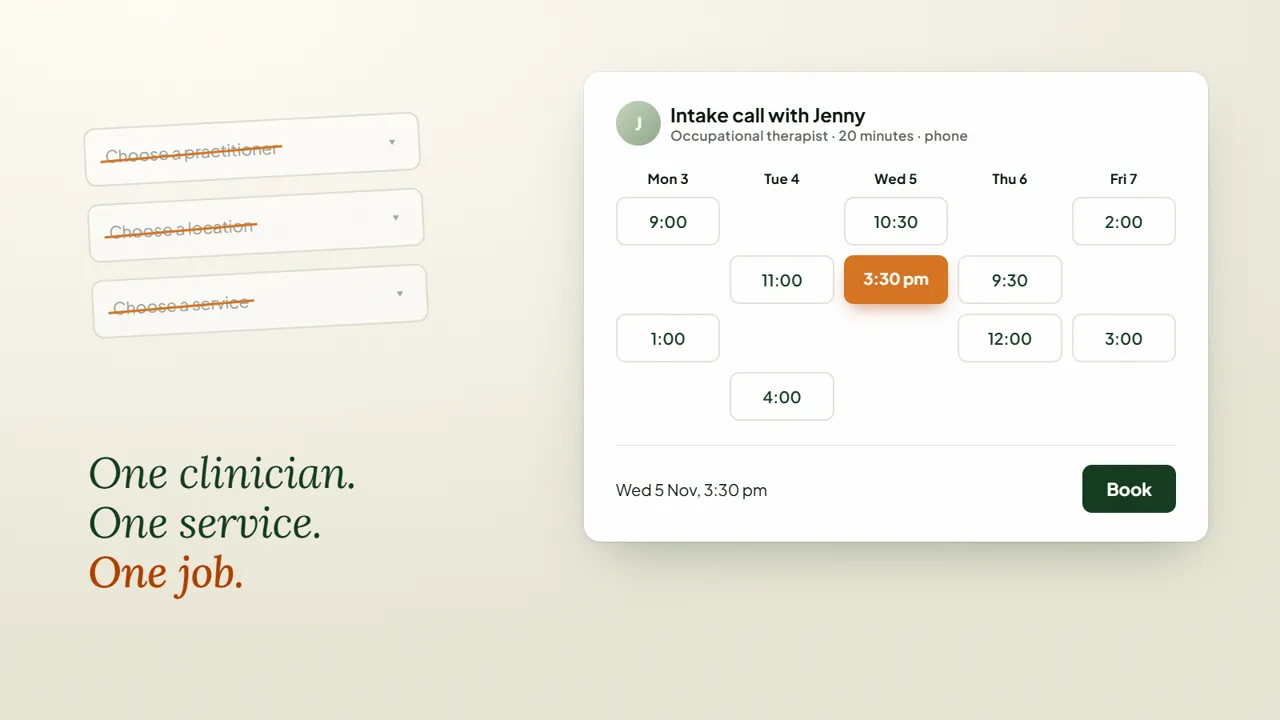
So instead, we're using Splose's online booking slightly differently. Rather than creating a big public booking page with multiple clinicians, locations and services, you can strip one right back:
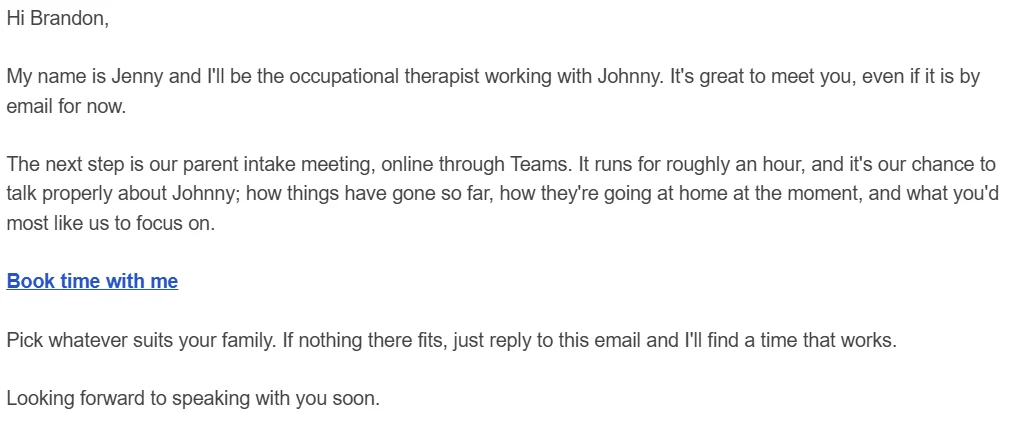
The email from the OT can simply say:
Hi, I'm Jenny and I'll be working with Johnny. I'd love to organise our intake call. You can choose a time that suits you from my calendar here.
They open the link. They don't choose a practitioner because you've already chosen one. They don't work out which service they're supposed to select because you've already chosen that too. They pick a time. Done.
Yes, Google and Microsoft and plenty of other systems can create booking links. But doing it inside Splose means the appointment ends up against the right practitioner and service in the same system you're already working from. There's nothing else to reconcile afterwards.
Splose has also added the option to ask whether someone is booking for themselves or somebody else. Anyone working with children and families who has opened Splose to find a shiny new client file belonging to Mum instead of the child will understand why I'm particularly happy about that one.
I've recorded a short walkthrough showing how we've stripped the booking flow back to one clinician and one service.